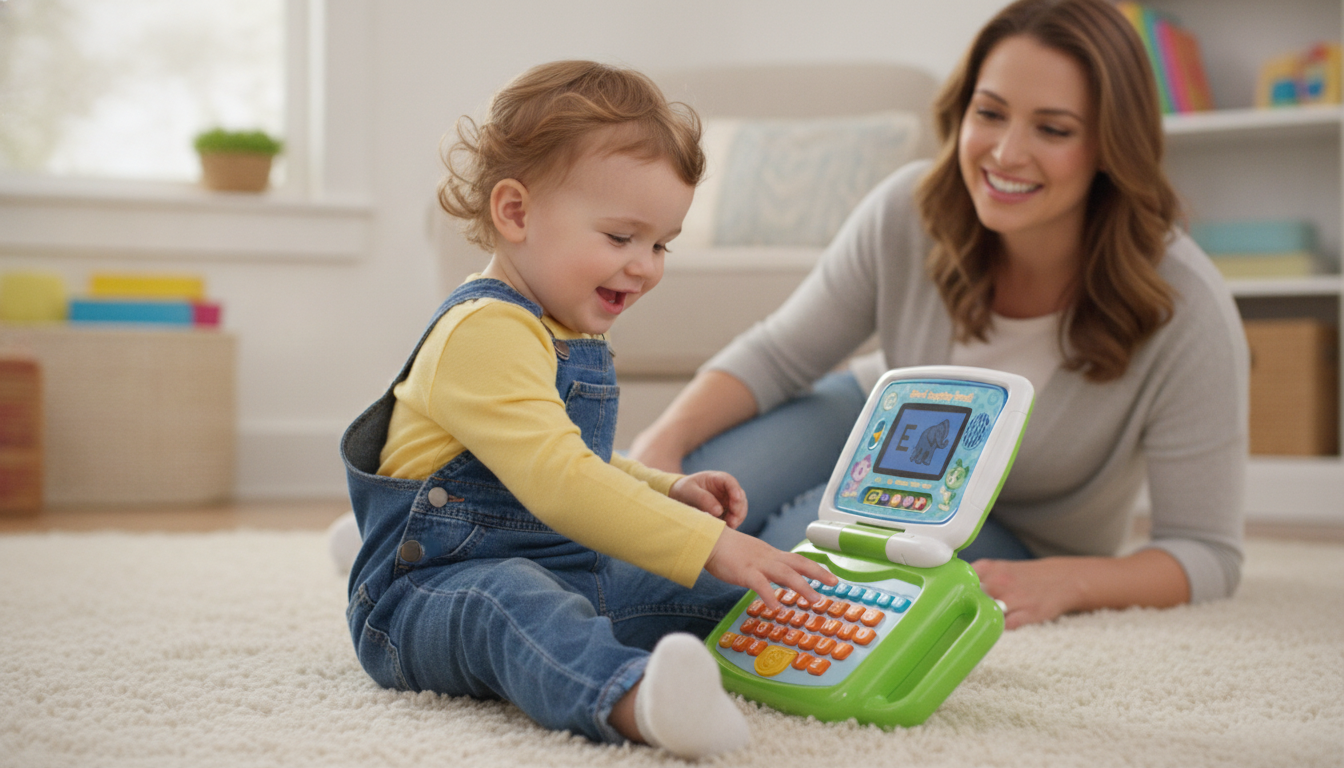
This 2-in-1 laptop toy flips from keyboard mode with letters A-Z and numbers 1-10 to a touchscreen tablet. Players can access five modes including ABCs, numbers, games, music, and messages. Suitable for ages 2-5 years. Amazon
Who this toy suits
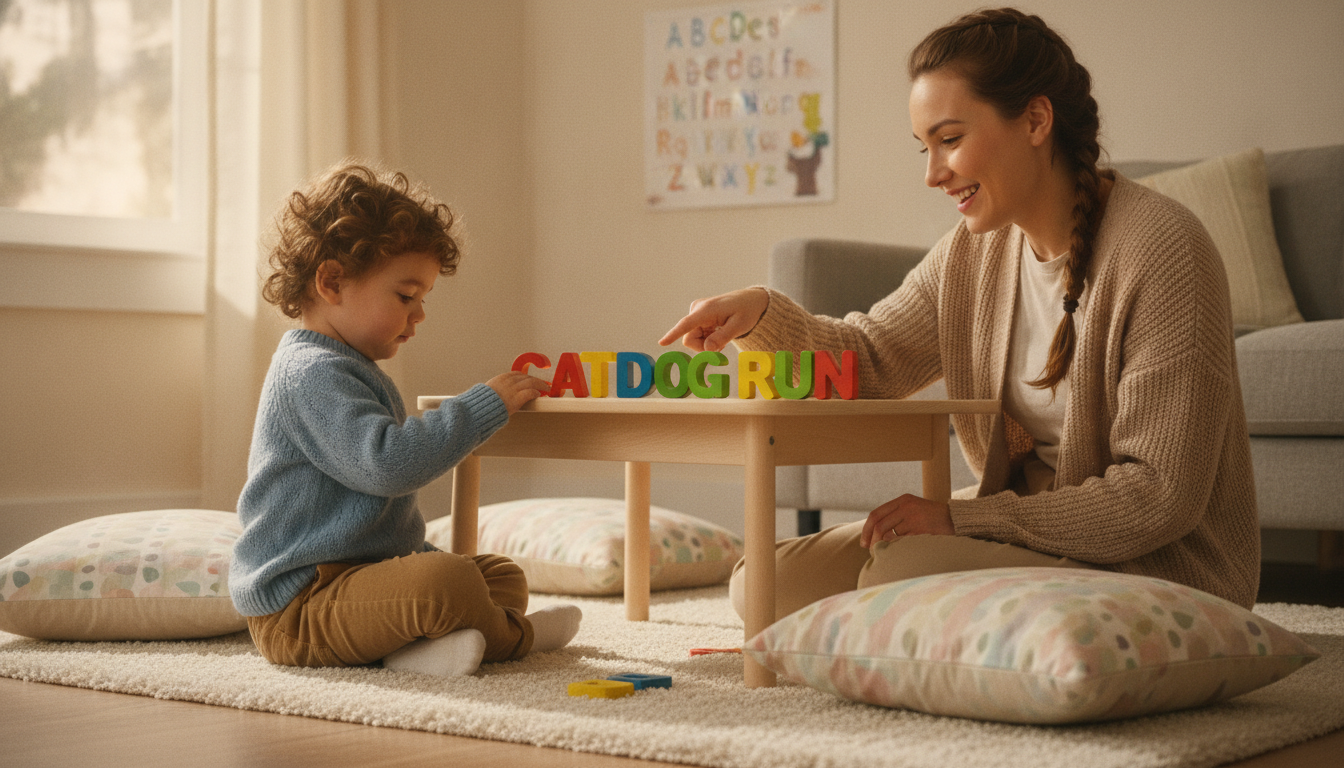
The LeapFrog 2-in-1 LeapTop Touch is designed for children ages 2 to 5 years, as specified by the manufacturer. It is suitable for toddlers and preschoolers who enjoy pretend play, exploring letters and numbers, and interacting with both buttons and touchscreens. The minimum age restriction of 24 months is firm; children under two should not use this toy, regardless of supervision, due to small parts and developmental readiness.
What children can do and learn
- Explore the keyboard: Children can press the A–Z keys to hear letter names and sounds and try the name-spelling activity described in the listing. Adults can talk about a letter or sound as the child presses its key.
- Try number activities: The 1–10 number keys offer opportunities to look at numerals and listen to the toy's number responses. Parents can count aloud alongside the activity.
- Explore touch and pretend play: Swiveling the screen changes the toy to tablet mode, with touch activities for letters, numbers, games, music and pretend messages. Families can take turns and act out using a laptop together. The AAP's Power of Play guidance discusses pretend play, sharing and taking turns in general. It does not test this device or establish a developmental benefit from its electronic activities.
Play ideas to try

- Name Letter Hunt: Help your child find and press the first letter of their name on the keyboard. Encourage them to say the letter aloud and listen to its sound. Continue with each letter in their name for recognition practice.
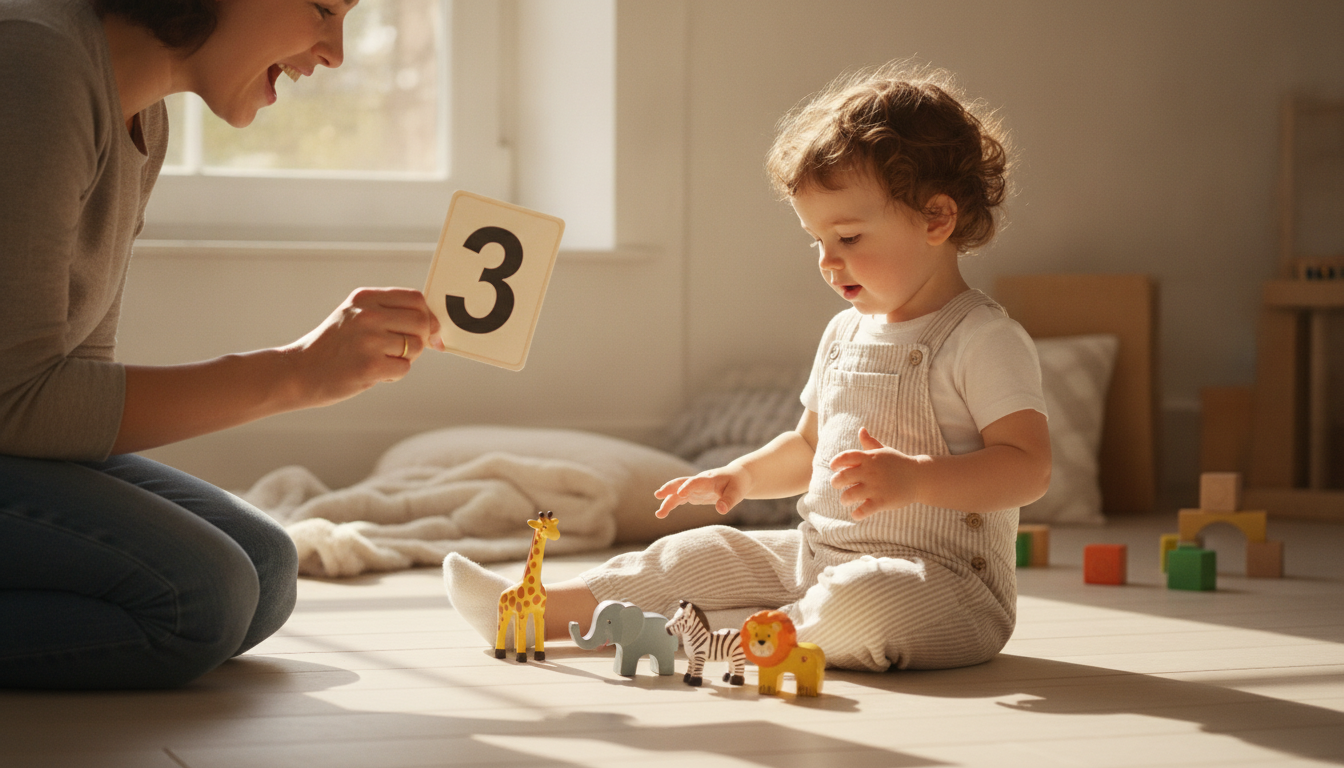
- Counting and Number Matching: Gather 1 to 5 small toys or objects. Count them together, then have your child press the matching number button on the LeapTop Touch. Repeat with different quantities to reinforce number recognition.
- Tablet Mode Tap Game: Switch to tablet mode and select a learning activity such as Music or Games. Ask your child to tap specific icons or letters and describe what happens ("You tapped letter B!"). This encourages intentional touch interaction with verbal feedback.
These are optional parent suggestions and not official game modes.
Before you buy
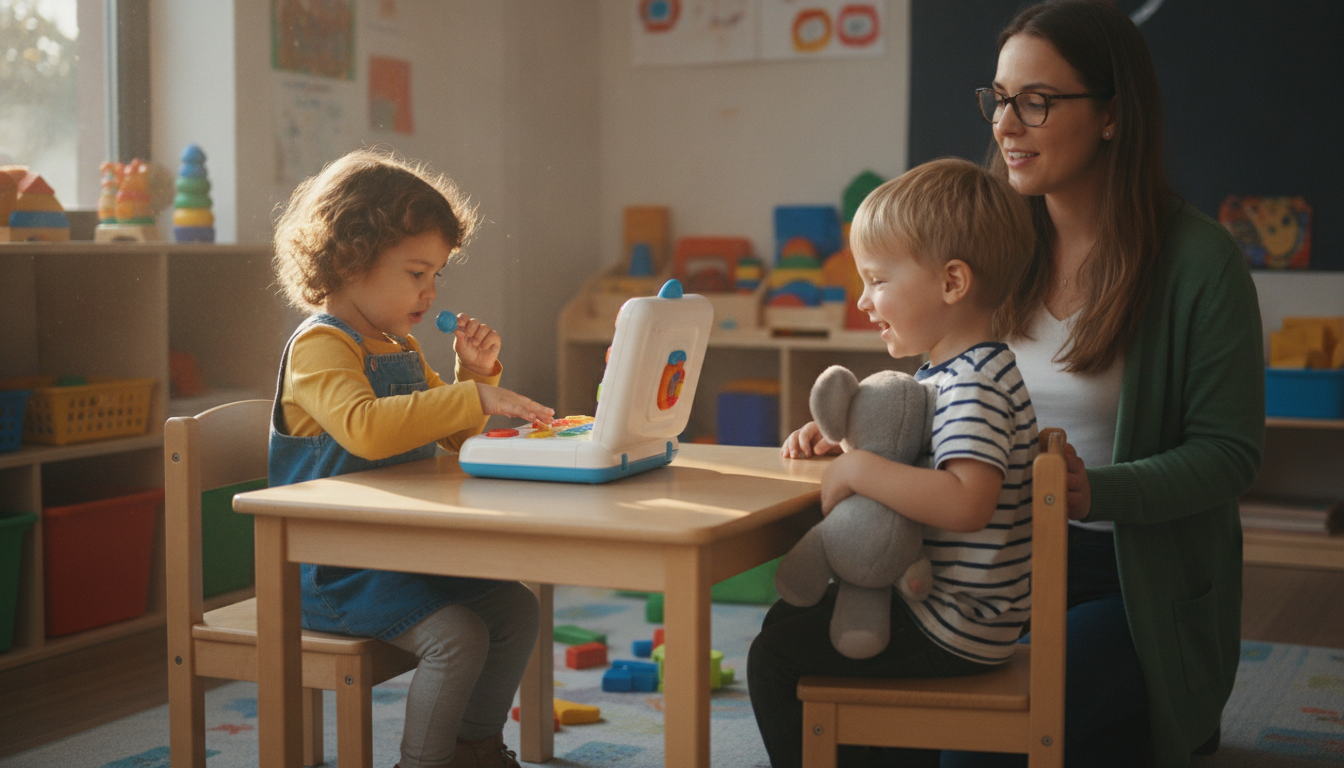
The LeapFrog 2-in-1 LeapTop Touch requires 3 AA batteries (included for demonstration, but will need replacement for regular use). The toy features a full keyboard, number buttons, and a screen that swivels between laptop and tablet modes. Parents should be aware that the toy has multiple small buttons and switches.
Switching between keyboard and touchscreen modes adds variety, but may be confusing for children near the minimum age.
When another type may fit
If you prefer open-ended play with fewer pieces, an alphabet or number board book may be simpler. For children more interested in screen interactions without keyboard complexity, toddler-friendly touchscreen toys or simple musical toys may be a better fit.
Sources
- Amazon product page
- The Power of Play: How Fun and Games Help Children Thrive (American Academy of Pediatrics)
Research sources provide general play guidance and do not specifically test or endorse this product.